 Counting Master
Count hundreds in one photo. Then teach it your own items.
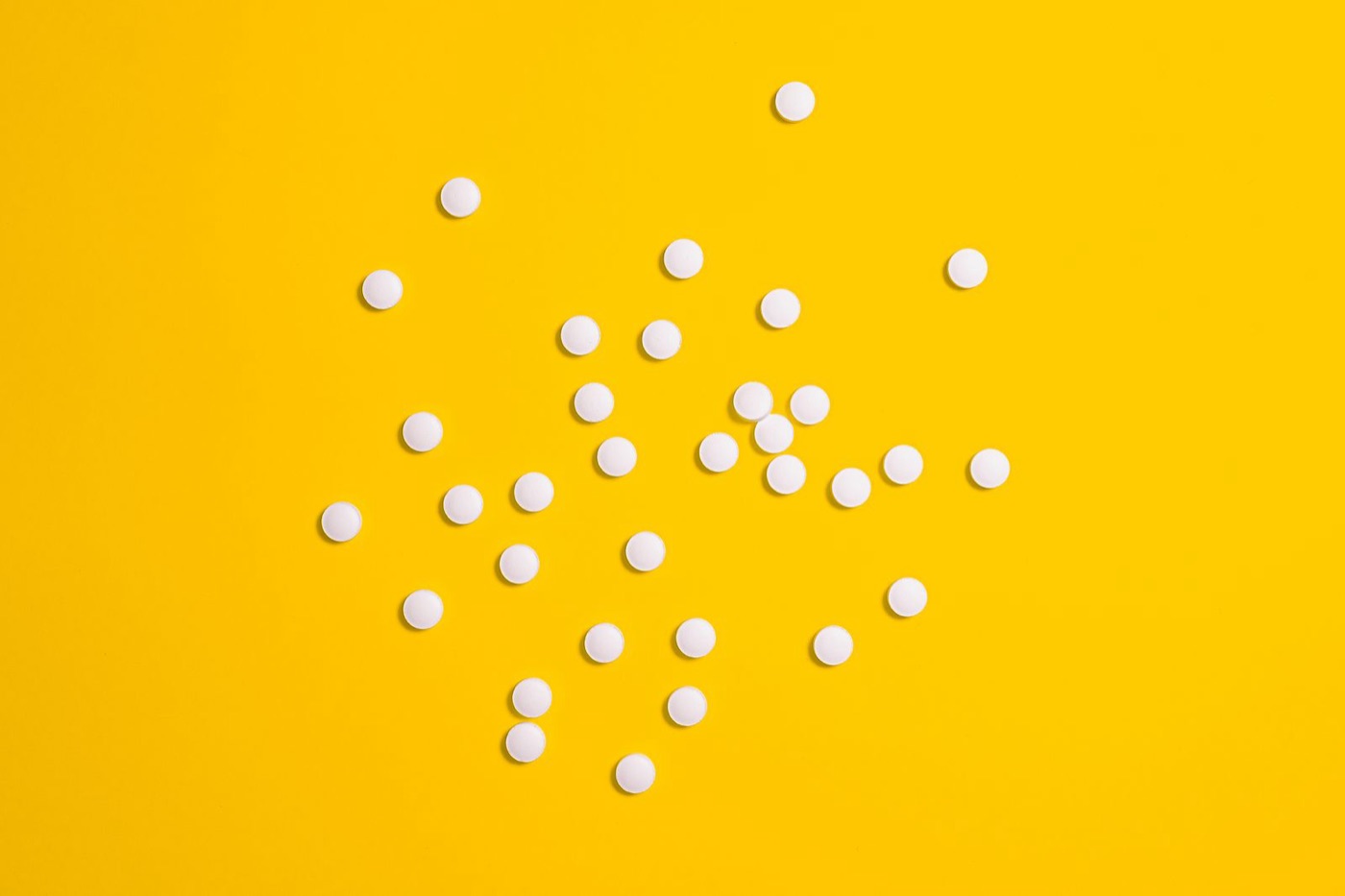
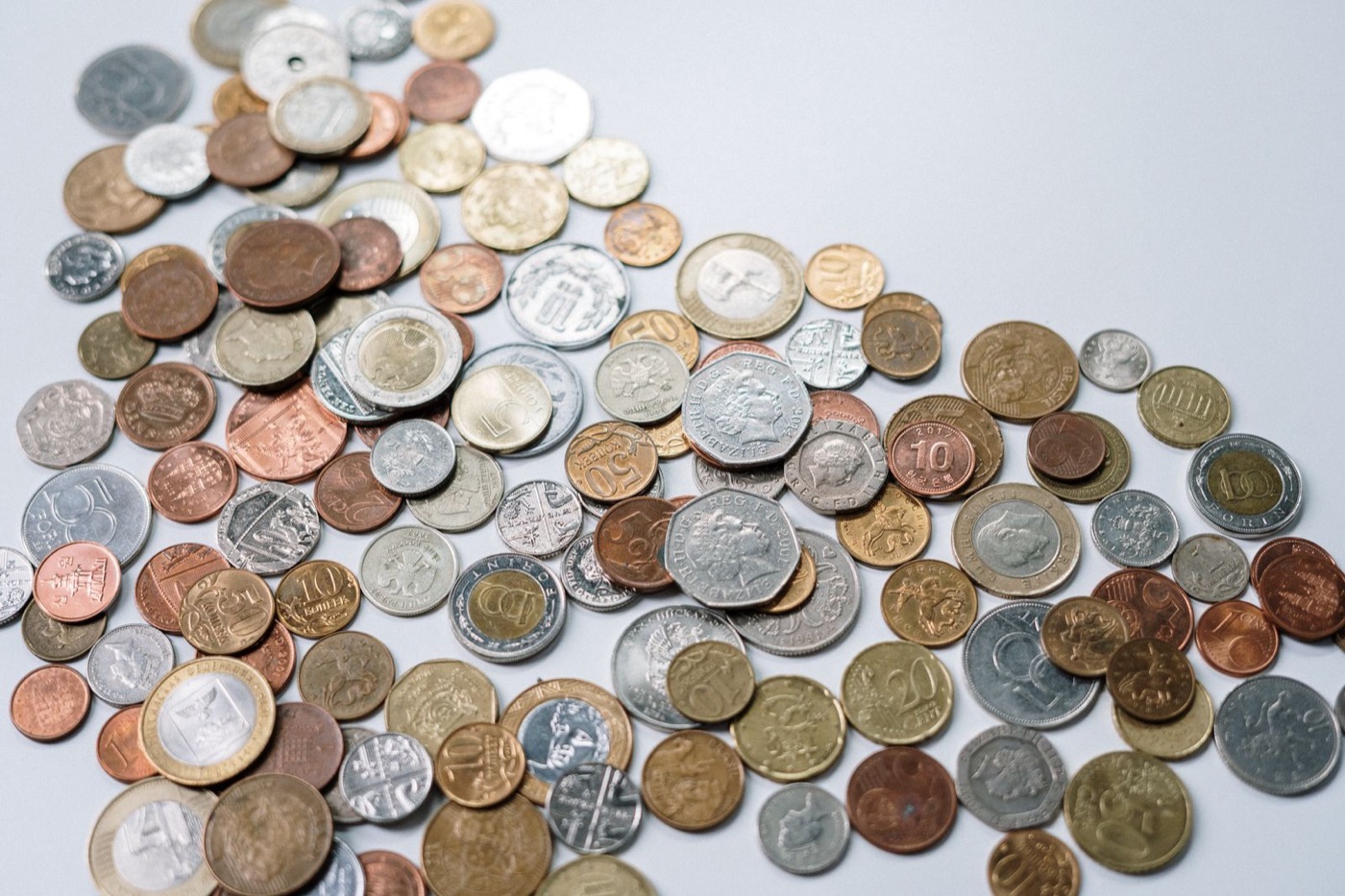
Pipes, logs, lumber, pills and coins count on their own. Anything else counts with one tap. Save what you count every day, and your iPhone trains a counter for exactly that item, so it counts by itself from then on.
First 3 counts free. Pro is $4.99 a month or $29.99 a year, with a 7-day free trial. iPhone, iOS 17 or later.
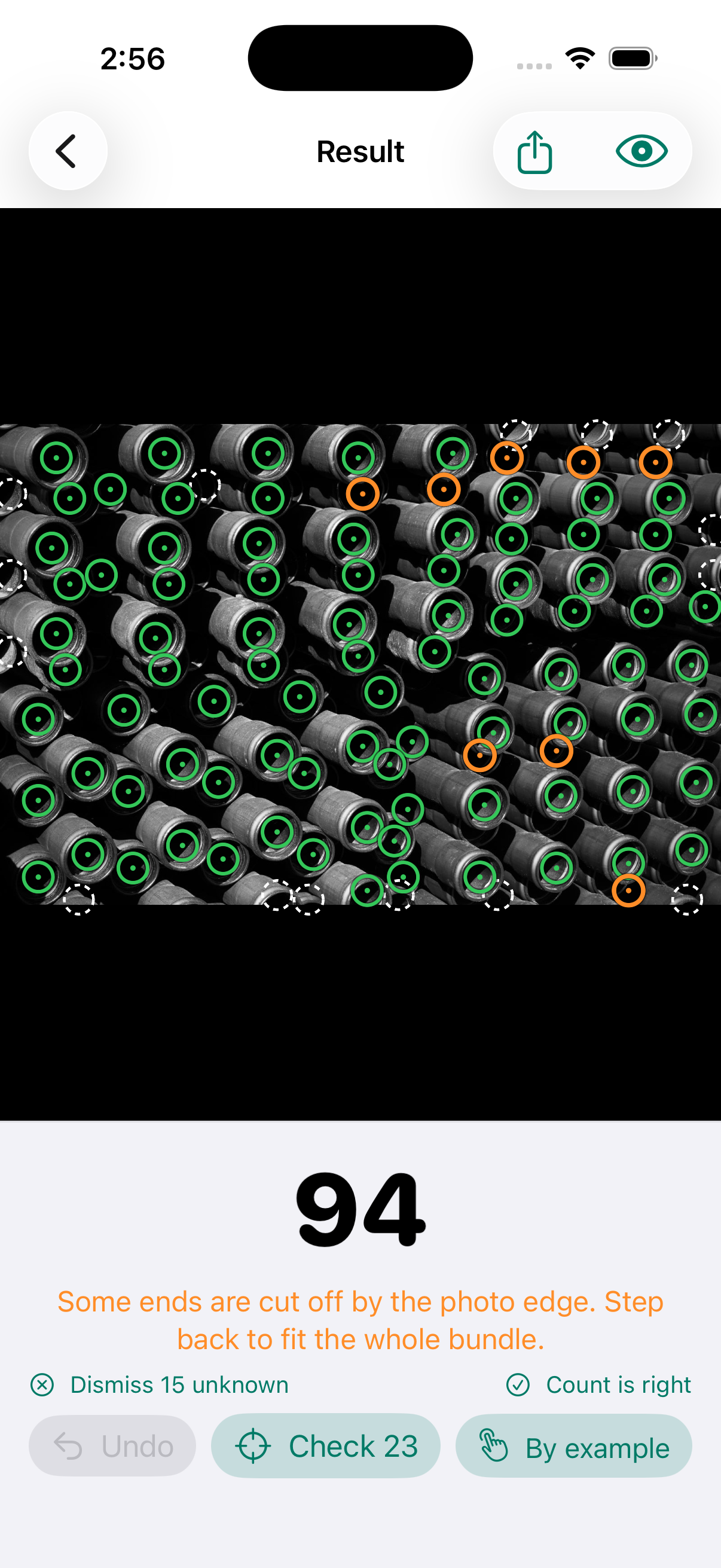
Pick what you're counting. Take one photo.
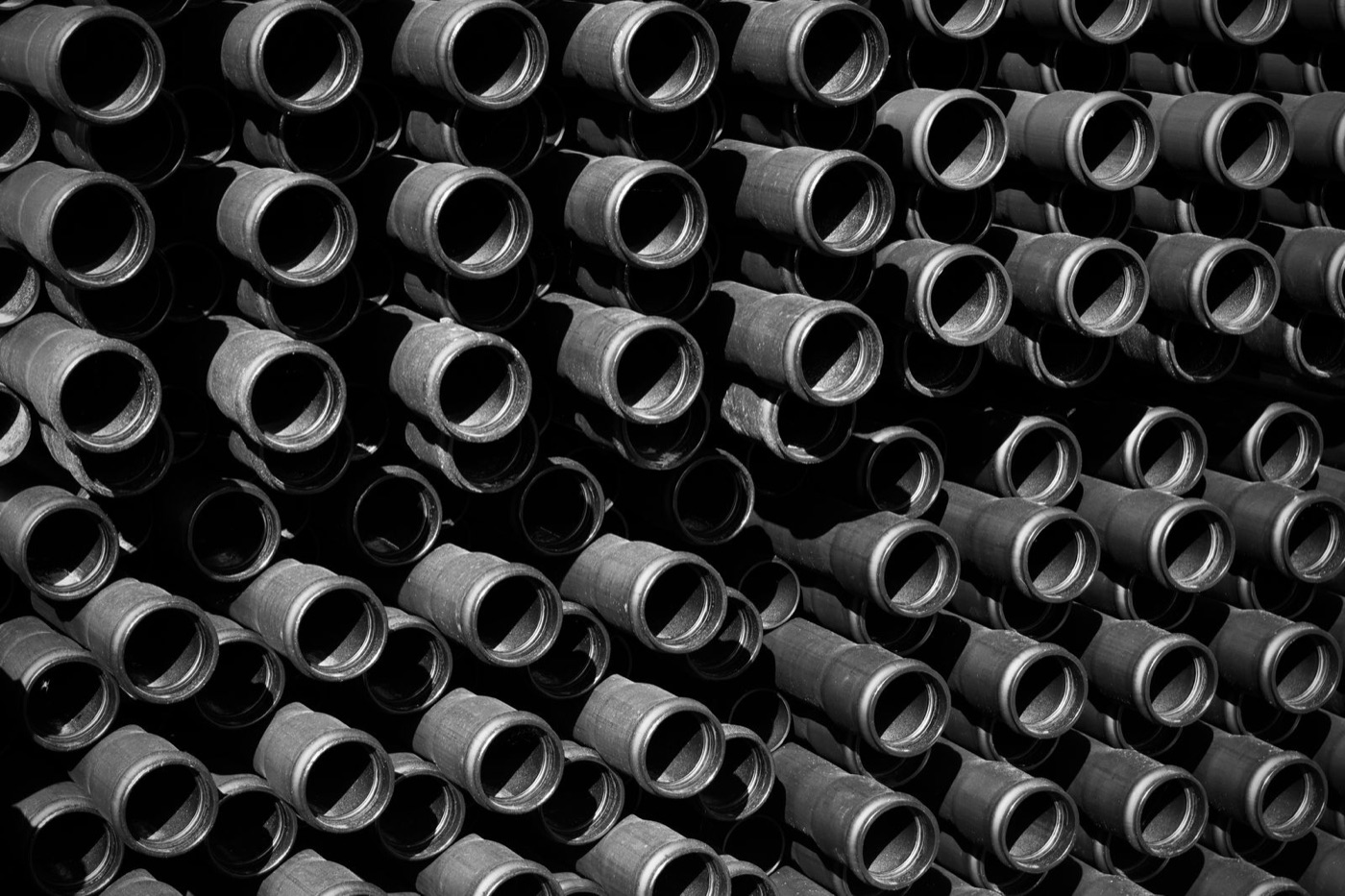
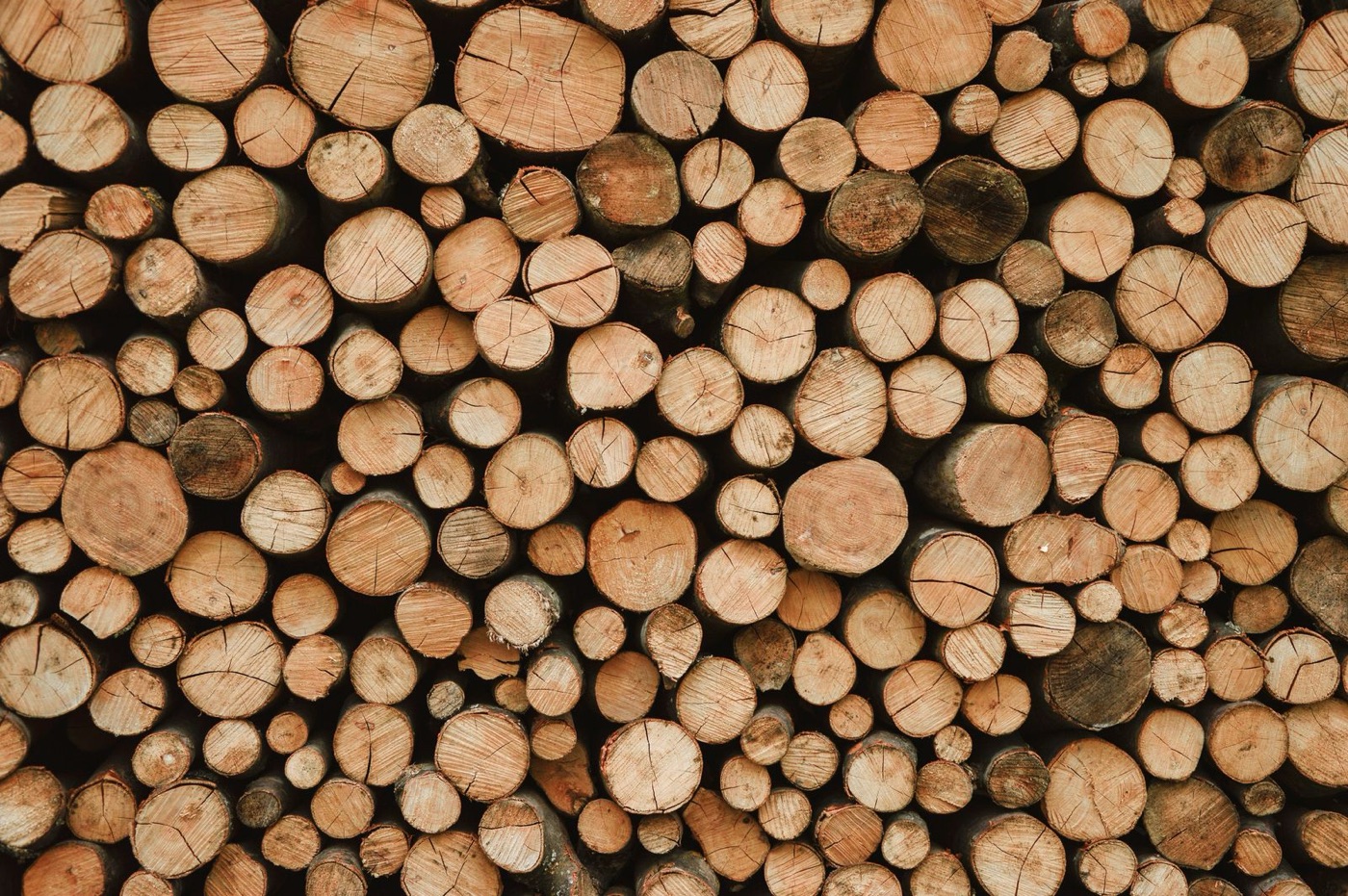
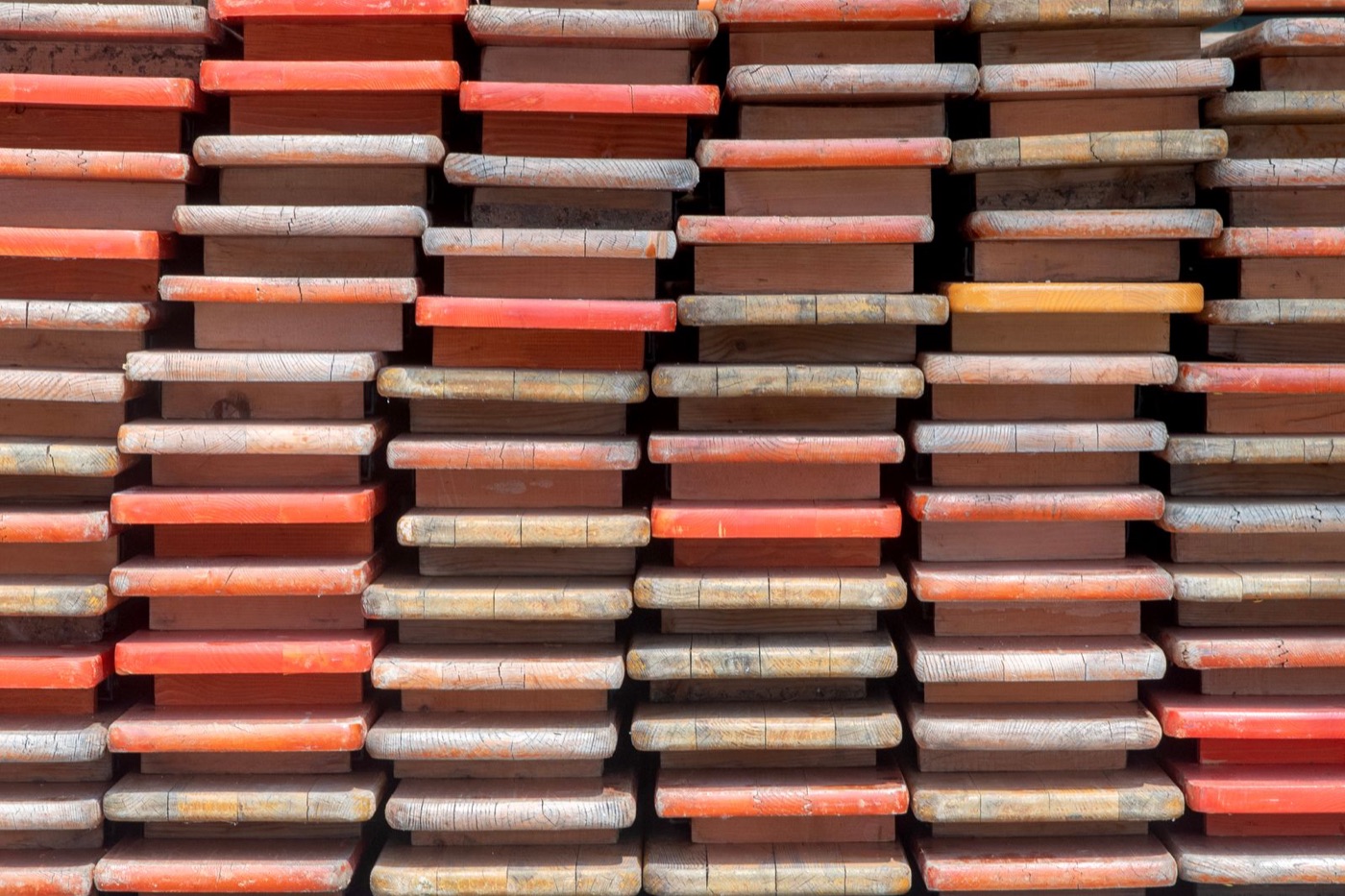
Five categories count automatically, trained for how those things actually sit in a pile. Everything else: tap one example and it finds the rest.
Teach it your own items. No other counting app does this.
Other apps sell you a template per object, or make you tap examples every time. Counting Master learns the things you count, from the counts you already check, and trains the counter on your iPhone.
- Count it by example, then save it
Pick Anything, tap one of your items, and on the result tap Save as item. Name it: "Our 12 oz cans", "M8 bolts", "Trays".
- Check 20 counts
Next time, pick the item and tap one. Fix any misses, tap Count is right. The ring on the item fills as it learns.
- It counts on its own
At 20, your iPhone trains the item's counter in a few minutes. Compare it with the one-tap way on your own photos, keep the better one, and that item counts automatically from then on.
Measured, not promised
From 20 of one user's own photos, a trained item went from 10% to 97% count accuracy on their boxes, and from 75% to 94.5% on pills.
Yours stays yours
Training runs while the phone charges. Photos, corrections and the trained counter never leave the device, and you can delete them any time.
Check only the few it flags.
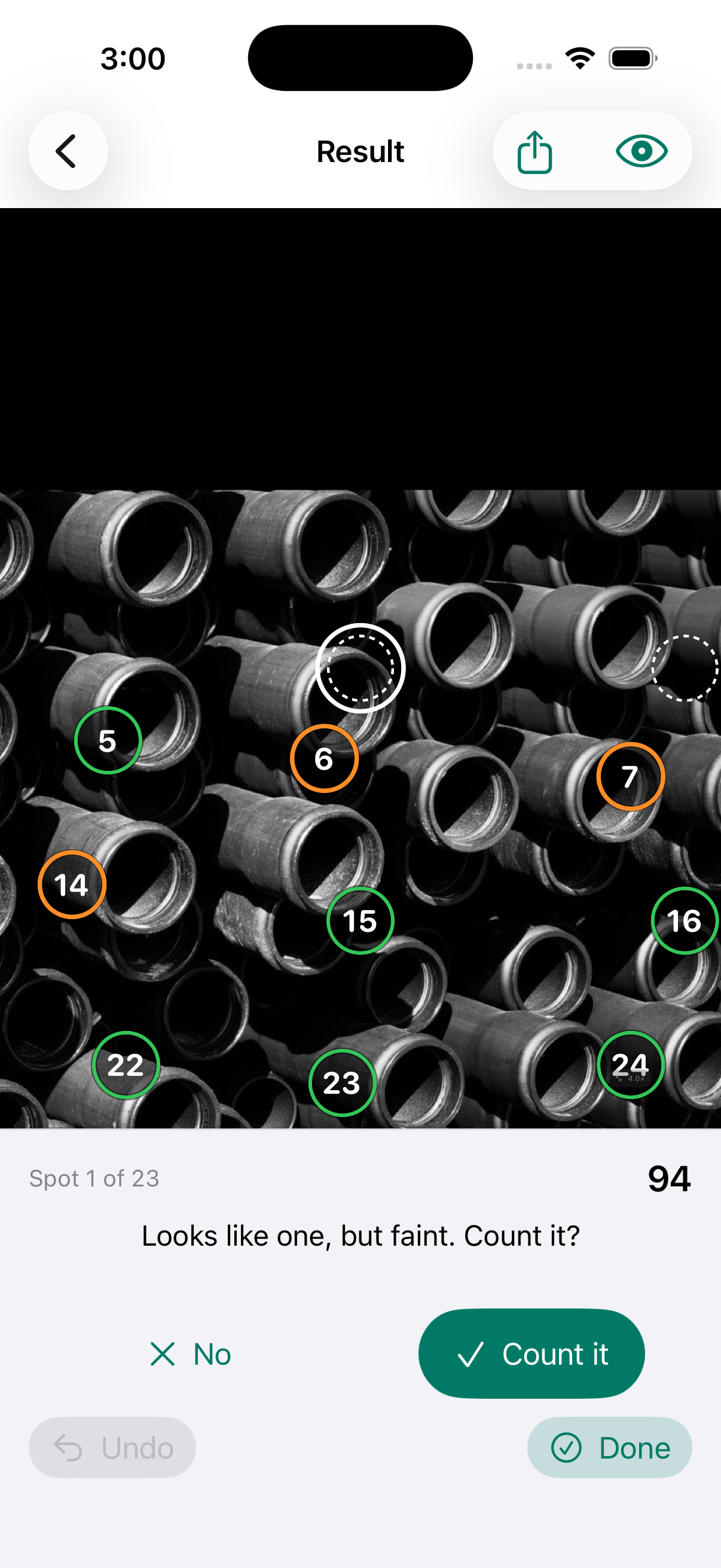
A ring marks every item it found. It tells you where it is unsure, so you check those spots instead of recounting the pile. Tap to add a missed item or remove a wrong one; the count updates as you go.
- CountedConfident. Tap a ring to remove it.
- Check thisNot sure. Tap Check to step through them one by one.
- UnknownCut off by the photo edge or faint. Tap one to count it, or dismiss them all.
The camera coaches the shot, too: it shows when the phone is level, and warns about blur, glare, dark light and a smudged lens before you count.
Accuracy, measured on photos the models never saw.
Count accuracy is how close the count is to the truth on photos with 10 or more items, before any tap from you. Checking the flagged spots takes it higher.
| What | Count accuracy | Test photos |
|---|---|---|
| Logs | 94% to 96.5% | 57 photos; 96.5% counting only logs at least half visible, as the app does |
| Lumber | 84%, 94% after Check | Board ends; checking the flagged spots adds 10 points |
| Pills | 91% | 54 photos of tablets and capsules on trays |
| Round ends | 91% | 13 photos of pipe bundles, so a rough estimate |
| Coins | 82% | 50 photos; overlapping piles are where it misses |
| Your own item, trained | 97% | One user's boxes, 20 training photos, 10% before training; pills 75% to 94.5% |
The models almost never invent an item (precision 97 to 99%); what they miss sits in dense, overlapping or cut-off parts of the photo, which is exactly what the Check step shows you. Side-view stacks and photos taken at an angle are not what the app is for; it asks for the whole group, straight on, in even light.
Nothing leaves your iPhone.
Counting, learning and training all run on the device. There is no account, no upload, no analytics and no ad tracking.
Photos stay put
The photo you count is processed on the phone and kept only if you keep History on. Nothing is sent to us or anyone else.
Your items are yours
The counts you check and the counters trained from them live in the app's private storage. Delete an item, or all learning data, in one tap.
Works anywhere
No signal needed: in a yard, a basement stockroom or a truck. The App Store handles payment; we never see your card.
Try it free. Pay only if it saves you time.
The first three counts are free, and you can save three items and start teaching them before you pay anything.
Free
- 3 counts, any category
- Check, fix and share results
- Save up to 3 items
- One-tap counting of saved items
- Items train on your phone, ready for Pro
Counting Master Pro
- Unlimited counts
- Unlimited saved items
- Trained items count automatically, no tap
- Everything in Free
Renews until you cancel; cancel any time in your iPhone's Settings. The yearly plan is two months free.
Questions
What do I need?
An iPhone running iOS 17 or later. Counting works on every supported iPhone. Training an item's own counter needs a recent iPhone with enough memory; the app tells you on the item's page if yours can, and every other feature works regardless.
How is this different from CountThings or CountThis?
They count from fixed templates: if your object is not in their list, you pay for a custom template or count by hand. Counting Master counts anything with one tap from day one, and then learns your items from the counts you check, so the things you count most become automatic. It also runs entirely on your phone, so it works offline and your photos are never uploaded.
How accurate is it on my stuff?
Honestly: it depends on the photo. Straight on, whole group in frame, even light, and the categories above land within a few percent before you touch anything. The Check step then takes you to the spots it is unsure about. Items you teach it reach the same level once trained; the app shows you the before-and-after on your own photos before you keep a trained counter.
Does training drain my battery or need the cloud?
Training runs on the phone while it is charging, or in a few minutes when you tap Train now. Nothing is uploaded; there is no cloud at all.
Can I count from an existing photo?
Yes. Choose from Library works the same as the camera, and the result can be shared as an image with the rings drawn on.
Is there an iPad or Android version?
Not yet. The app is built for iPhone first. Tell us what you need at support@countingmaster.app.
Counting Master is coming to the App Store.
Leave your address and we will send one email when it is live, nothing else.
Tell me when it launches